AI · On-device · Free
Erase the background. Keep the magic.
Try a sample
- Upload
- Remove BG
- Download PNG
- Upload
- Remove BG
- Download PNG
or drop a file
paste image or
AI Background Removal
Create clean professional cutouts in seconds
100% private · nothing leaves your device
One tool, every kind of cutout.
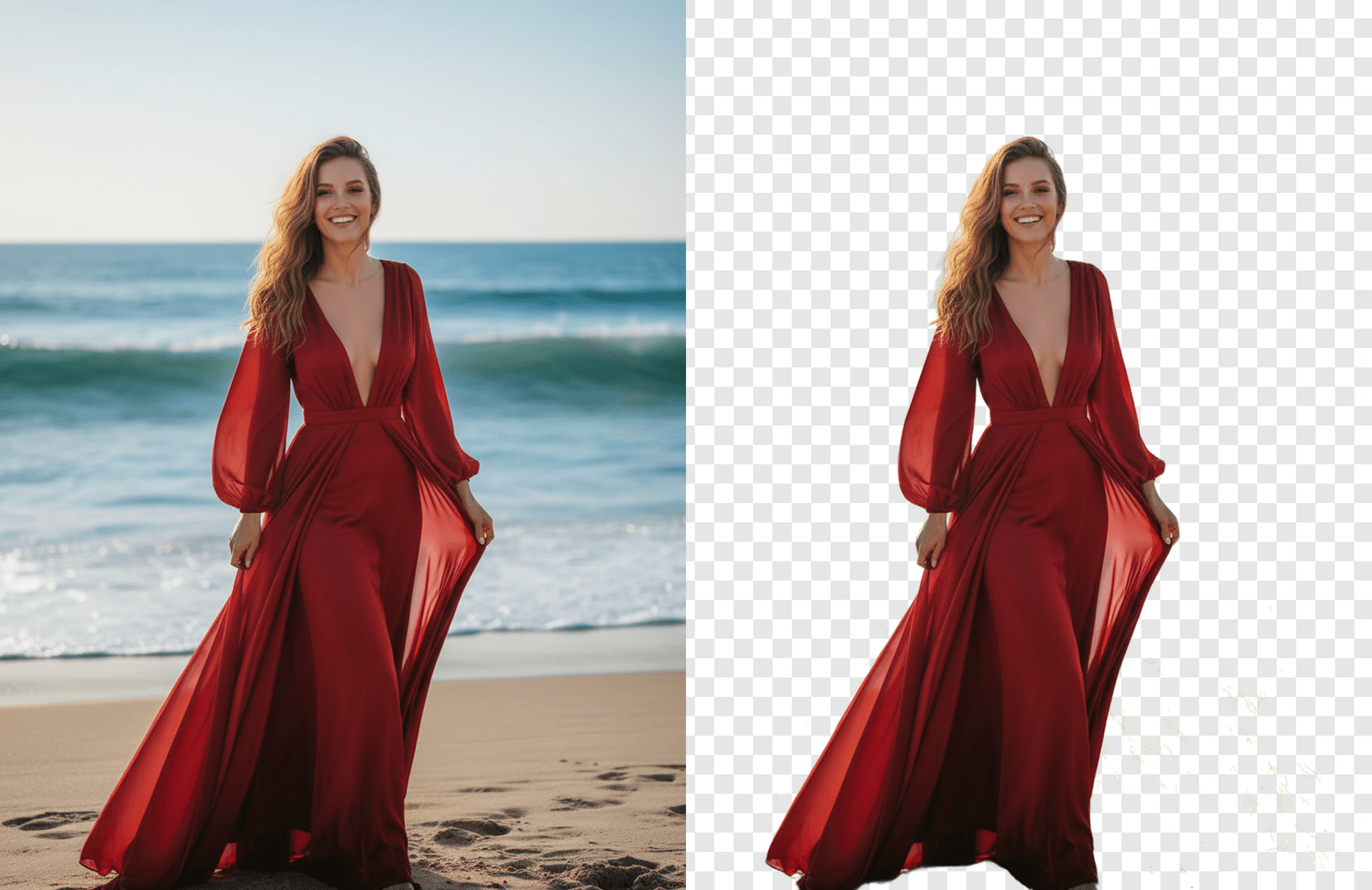
From storefront product shots to social-first portraits, the same model handles fine hair, soft fabric, glass, and shadows without re-touching.
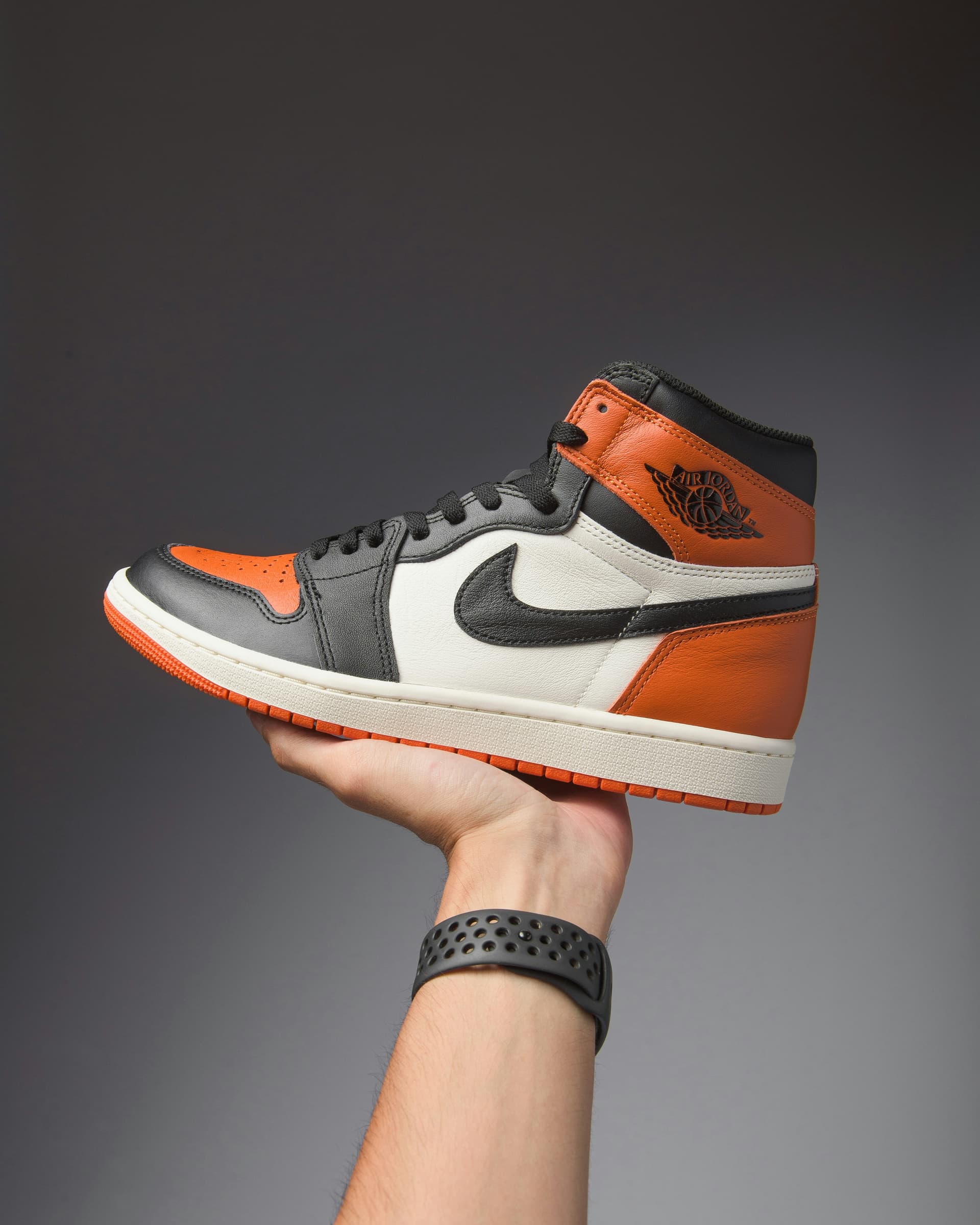 BEFORE
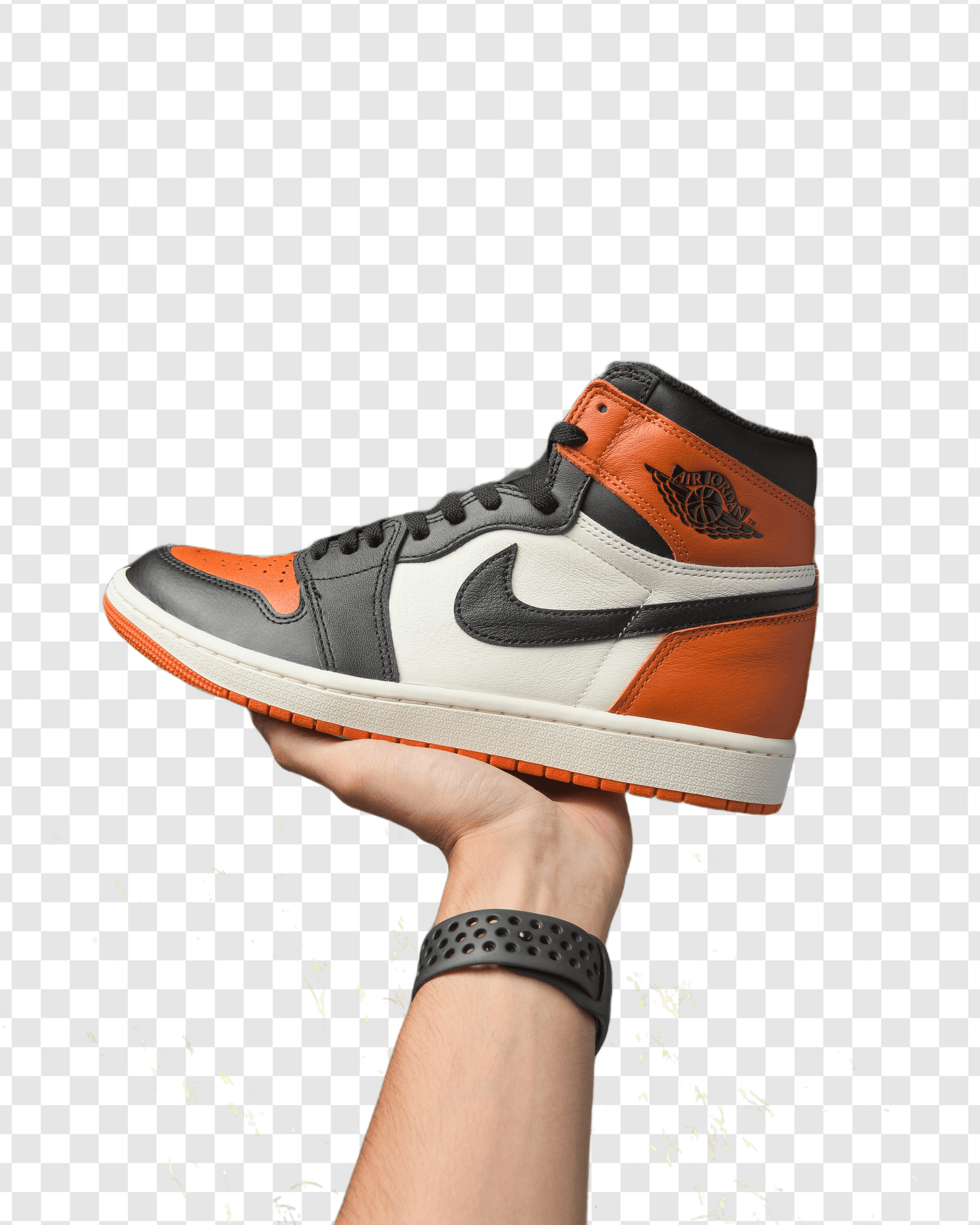 AFTER · PNG
Commerce
Clean product & marketplace shots
Drop the cluttered backdrop and place items on a consistent canvas. Edges stay sharp on shoes, glassware, and packaging — no Photoshop round-trip.
Product photography
Studio-grade cutouts on any background.
Marketplace listings
Uniform shots that meet listing rules.
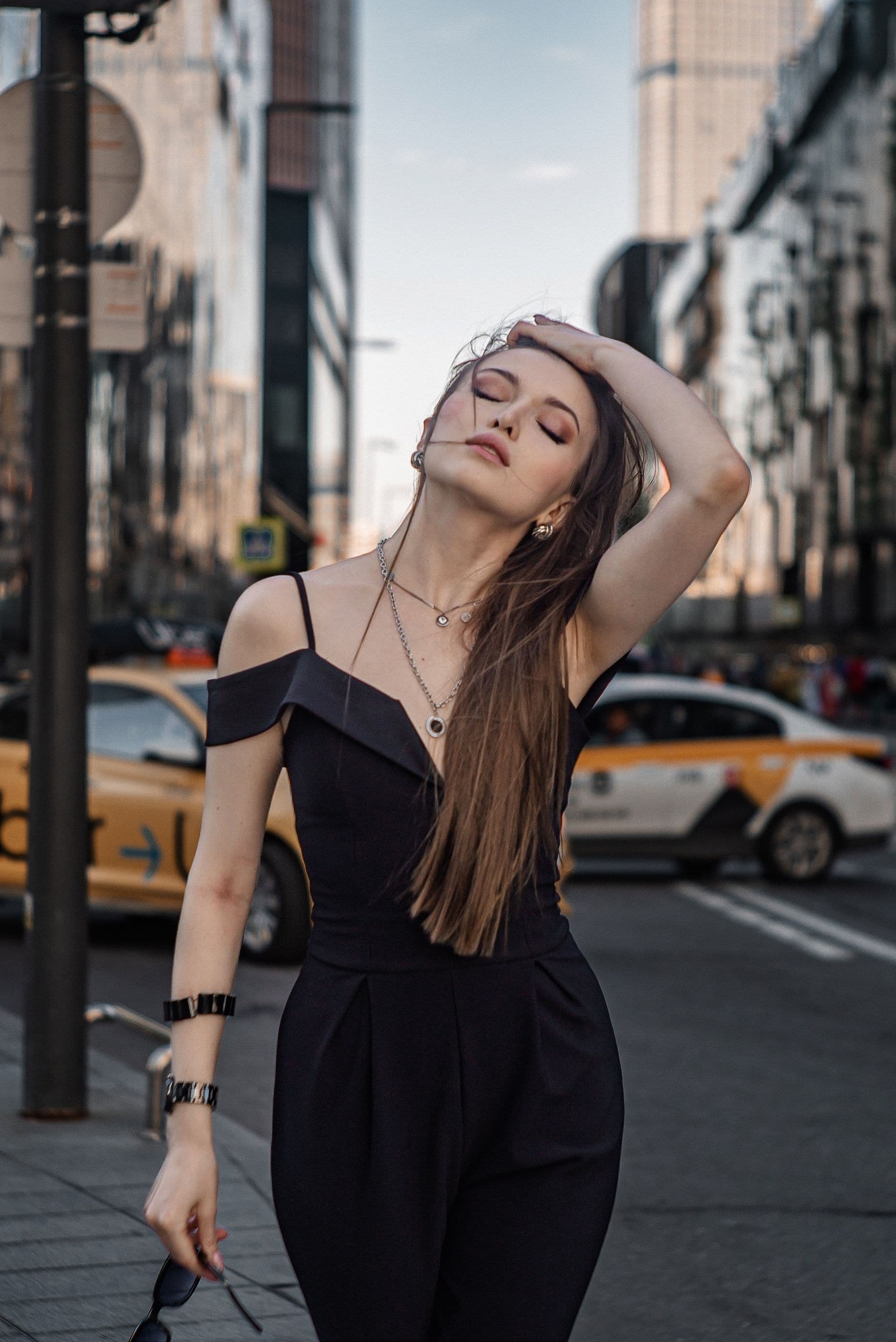 BEFORE
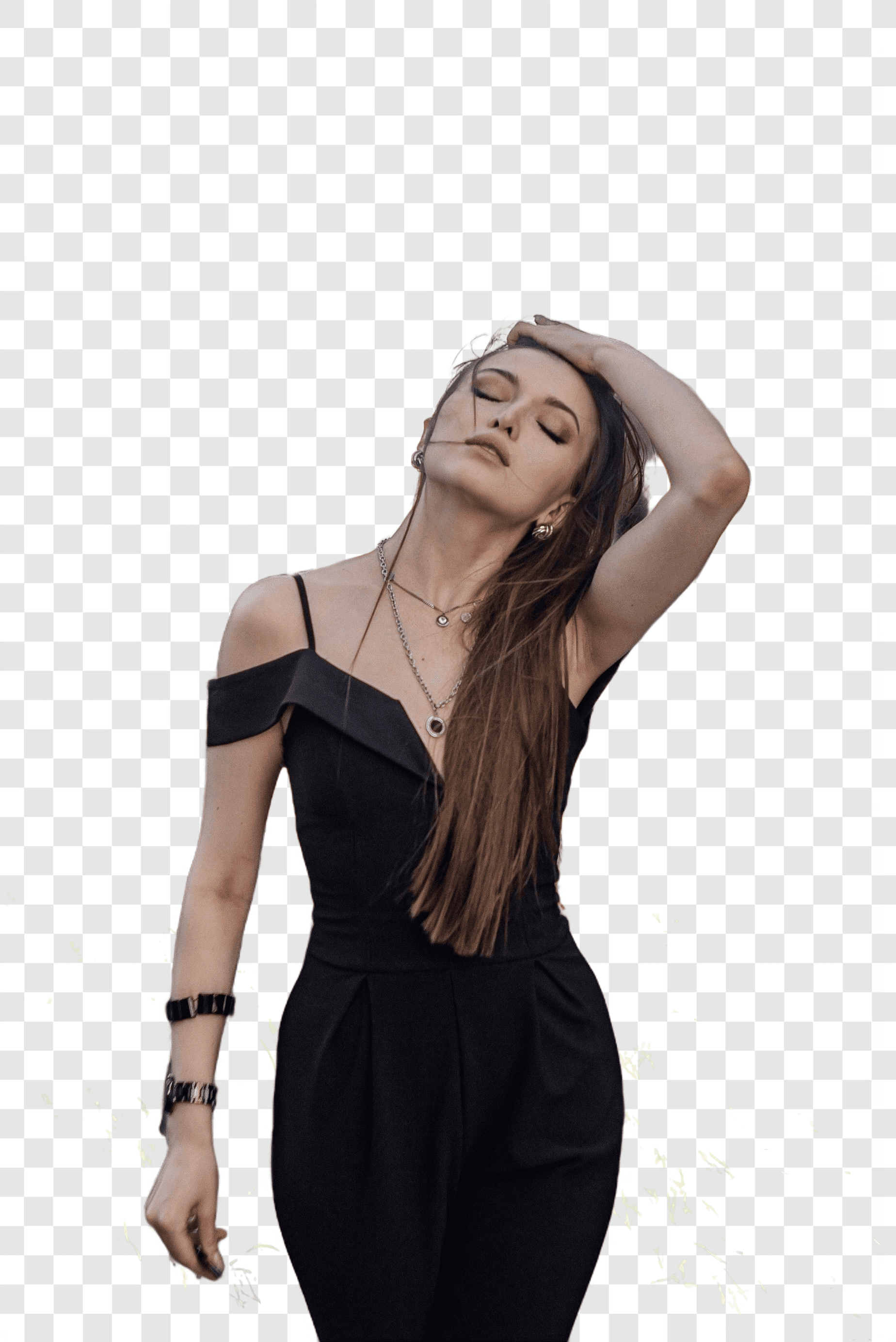 AFTER · PNG
People & social
Polished portraits & social creatives
Isolate the subject, soften edges, and swap in a calmer backdrop. Curls, flyaways, and fabric folds stay intact, exactly where most tools fail.
Portrait cleanup
Editorial-quality subject isolation.
Social media creatives
Layer transparent PNGs into posts & banners.
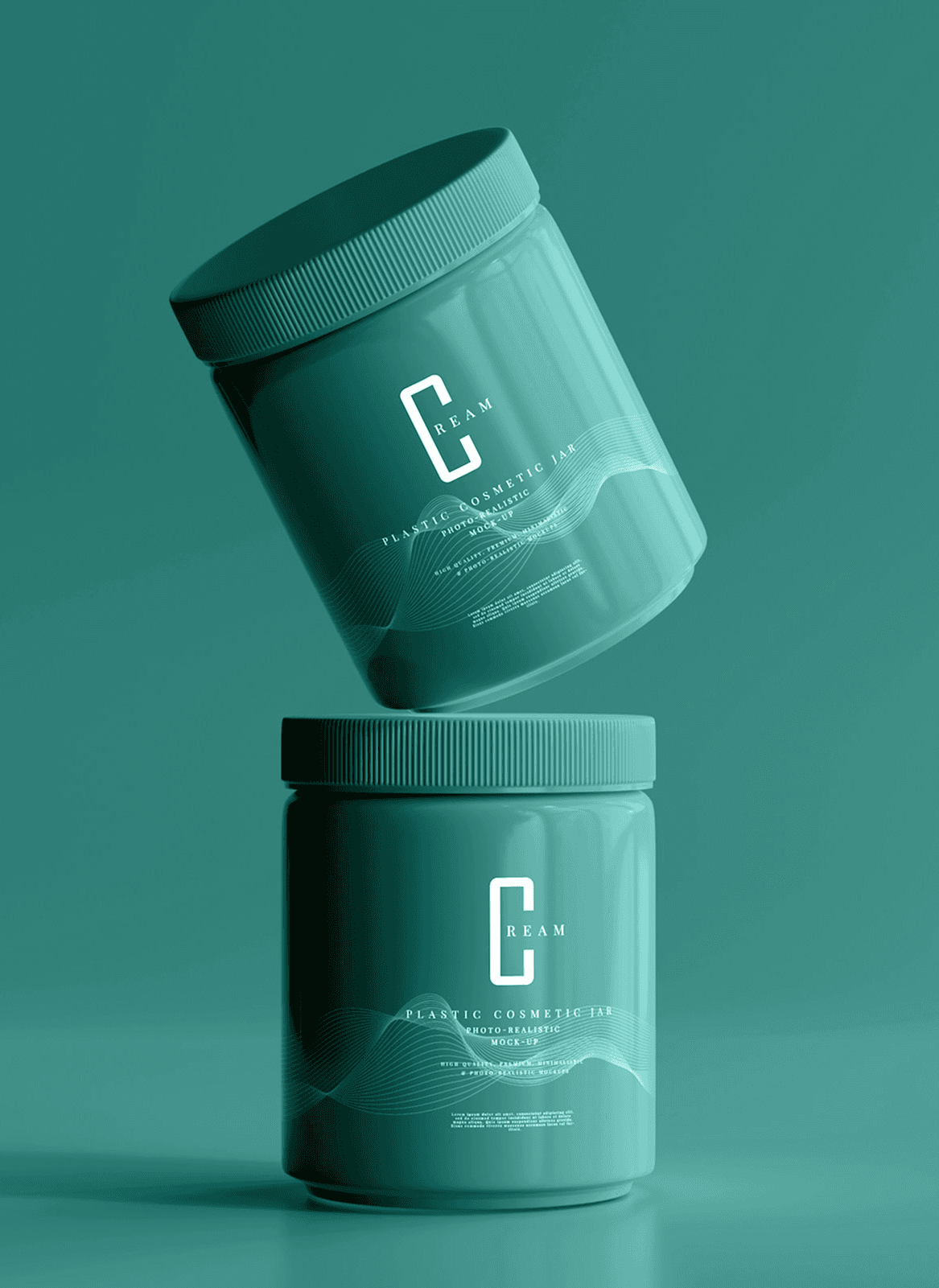 BEFORE
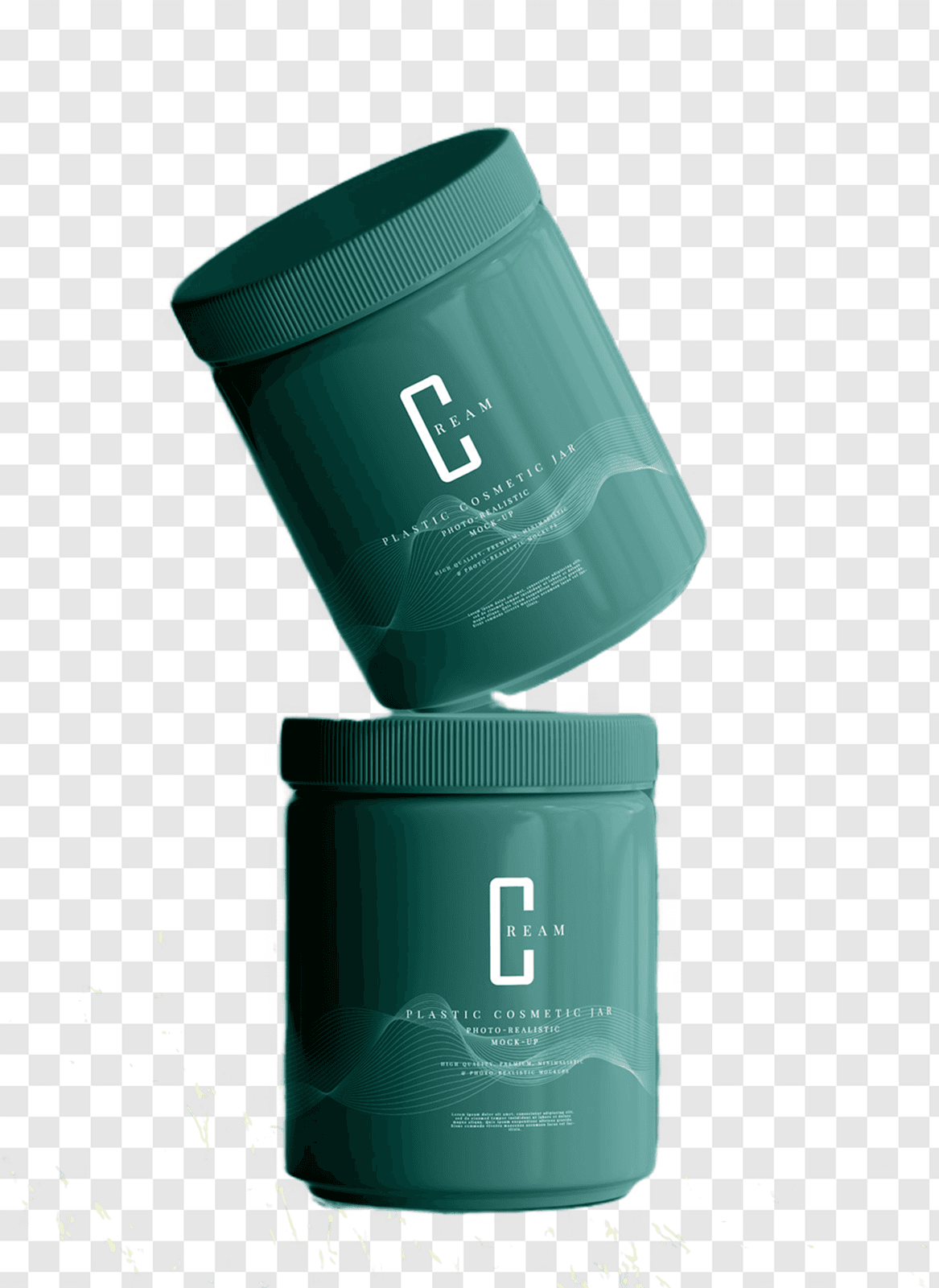 AFTER · PNG
Marketing
Catalog beauty without the studio.
Float perfume bottles, skincare, and accessories on solid color or gradient surfaces. Reflections and soft shadows are preserved for a premium feel.
Hero compositing
Drop subjects onto brand-color backdrops.
PDP refresh
Re-skin entire catalogs in an afternoon.
02 — CAPABILITIES
Built for quick, clean cutouts.
Pixel-perfect edges
Captures hair, fur, and soft fabric with clean natural edges.
Smart subject detect
Automatically finds people, products, pets, and other subjects.
Transparent PNG
Export transparent PNGs ready for websites, designs, and social posts.
Fast processing
Generate clean cutouts in seconds with minimal waiting.
High-resolution export
Download large images without sacrificing output quality.
Private by default
Your uploads are processed securely and handled with privacy in mind.
What people use it for
FAQ
What formats can I export?
PNG keeps transparency for compositing; JPG flattens onto your chosen background for sharing.
Is there a file size limit?
Uploads are capped for stability, but high-resolution images are supported within that limit.
Do I need an account?
No sign-up. Upload, remove the background, refine, and download in one screen.